
How to Take Card Payments on Your Website
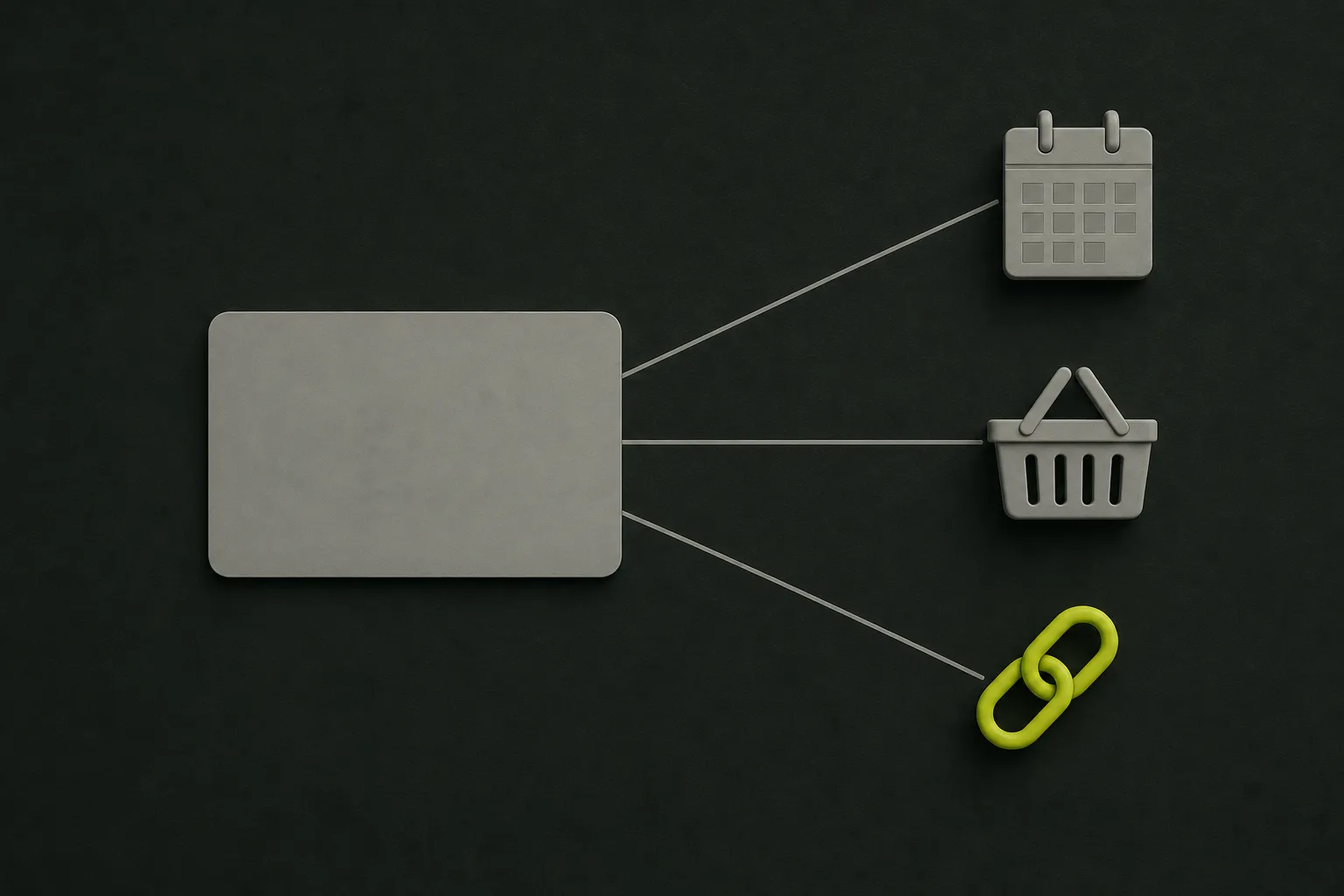
The simplest way to take card payments on your website is a payment link or button from a card provider, which needs no shop and no coding. If customers book slots, let your booking tool take the money. If you sell a range of products, you need a proper shop checkout. Choose the one that matches how people already pay you, not the one with the most features.
This is for anyone moving off bank transfers, cash in hand or chasing people by text: a cleaner, a dog walker, a maker taking orders, a salon fed up with no-shows. If you only get paid a few times a month and bank transfers work, you may not need any of it yet.
How do you take card payments on a website?
You sign up with a card provider, pick one of three routes, and link to it from your website. The route matters more than the provider:
| Route | How it works | Suits | Watch for |
|---|---|---|---|
| A payment link or button | Create a link for an amount with your card provider, then send it or put it behind a "Pay now" button on your site | Trades and services paid after the job, odd one-off sales, anyone starting out | Each link is set up by hand, so it gets fiddly once you have lots of different prices |
| A booking tool that takes deposits | Your online booking system takes a deposit or full payment when someone books a slot | Salons, groomers, clinics, classes and anyone who loses money to no-shows | Check what the tool charges on top of the card fee, and what happens to the deposit when someone cancels |
| A full shop checkout | Customers add products to a basket and pay on your site, with stock and delivery handled for them | Anyone selling a range of products to be posted or collected | The most to set up and keep up to date, and overkill for a handful of items |
Plenty of small businesses start with links and move up only when they outgrow them. A groomer who adds online booking later can switch the deposit on then. A baker selling six cakes doesn't need a basket.
Do you need a website to take card payments?
No. A payment link works on its own. You can send it in a text, an email or a WhatsApp message, and the customer pays on the provider's page. If that covers how you work, it's a perfectly good place to stop.
What a website adds is somewhere to put the price, what's included and your terms before anyone pays, so you're not retyping them into every message. If you sell through messages today, our guide on what the rules require when you take orders in DMs covers what you still owe customers either way.
How much does it cost to take card payments online?
Usually a percentage of each payment, often plus a few pence, and sometimes a monthly fee as well. Stripe's UK pricing page listed 1.5% plus 20p for standard UK cards when we checked on 13 October 2026, with no setup or monthly fee, and payment links included at no extra charge. Other providers price it differently, and all of them change their prices, so read each one's own UK pricing page on the day you sign up.
Before you sign up anywhere, get answers to these:
- What it costs per payment. The percentage, any fixed fee on top, and whether cards from abroad or business cards cost more.
- Whether there's a monthly fee. And what you'd get for it. A lower rate only pays for itself if you take enough.
- When the money reaches your bank. Ask how many days a payout takes, which matters if you're buying materials before the job.
- What a refund costs you. Ask whether the provider keeps its fee when you give the money back.
One thing not to do: quietly add a card fee to the customer's bill to cover your costs. Extra charges have rules of their own, which our guide on whether you have to show the full price goes through.
What do you need before you switch it on?
You need the information the law asks you to show before someone pays, a clear line on refunds, and a way of taking cards that never has you handling the numbers yourself. Gov.uk's guidance on online and distance selling lists what customers must see before they order, including your business name, contact details and address, the price including all taxes, how they can pay, and the delivery arrangements and costs where you're sending goods. After the order, it says you must give them a copy of the contract they can keep, such as an email.
- Your details and prices on the page. Not just on the payment screen, where people see them too late to decide.
- Your cancellation and refund terms. Written down before anyone pays. Our guide to website terms and conditions covers what to put in them.
- Card details typed only into the provider's page. Never ask a customer to send a card number by email, text or message, and never write one down. With a payment link, the customer types their card details on the provider's own page, so the numbers never pass through your phone or your website.
- A receipt or confirmation that goes out on its own. If your provider can email one automatically, switch it on. It helps with the copy-of-the-contract job.
A worked example: a cleaner paid after each clean
Assume a one-person cleaning business charges £60 for a regular clean, gets paid by bank transfer, and spends Friday evenings chasing the ones that haven't arrived. Bookings come by phone, so a booking tool would be more than the job needs, and there's nothing to post, so a shop is out. A payment link sent after each clean is the right size.
At the Stripe rate above, a £60 payment costs 90p plus 20p, which is £1.10, so £58.90 reaches the account. Over a week of regular clients that's a real cost, and it's worth setting against the time spent chasing. Some customers will still prefer a transfer, so keep that open as well. The website gets a short payments section and a line under the prices, something like this:
How to pay: after each clean we'll text you a secure card payment link, or you can pay by bank transfer if you'd rather. Prices include everything, with no extra charge for paying by card. Need to cancel? Give us [notice] and there's nothing to pay. Questions? Call [number].
Change the parts in brackets. Nothing clever in it: the customer knows how they'll pay, that the price is the price, and what cancelling costs, before the first clean. If you later start selling cleaning vouchers at Christmas, our guide on selling gift vouchers online shows the same link doing a second job.
What should you do next?
Pick the route from the table that matches how you already get paid, read two or three providers' own UK pricing pages, and put your prices and terms on the website before you send the first link. For the rest of what a first website needs, the your first website guides go through it in order.
If you'd rather have a site with a clear prices and payments page already in place, ByRender builds your whole website for free and you only pay if you keep it: setup from £495, then from £69 a month. See the pricing or tell us about your business and you'll see it first.
Frequently asked questions
Can I take a deposit by card rather than the full amount?
Yes. A payment link can be for any amount, and a booking tool with a deposit option can ask for one when someone books. Say on the page what the deposit is, whether it comes off the final bill, and what happens to it if either of you cancels.
Will customers trust a payment page that isn't on my website?
It helps to say on your site who you take payment through, so the change of page doesn't come as a surprise, and to make sure your business name shows on the payment page.
Your new website: Viewing
available.
Tell us your business name and town. We build your website and email you a private link to look around. Love it and it goes live. If not, you owe nothing.
£0 until you say yes